📸
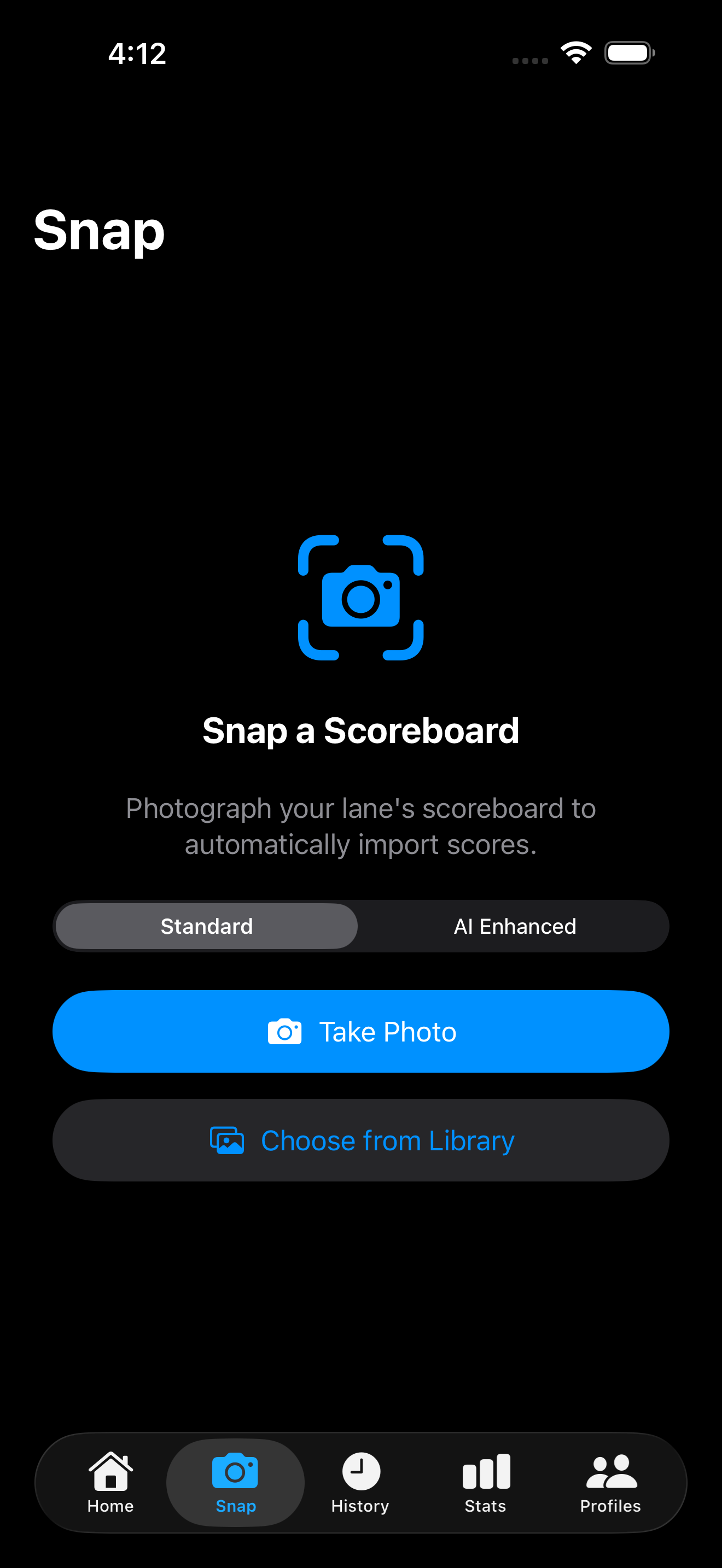
Snap — Photo Score Import
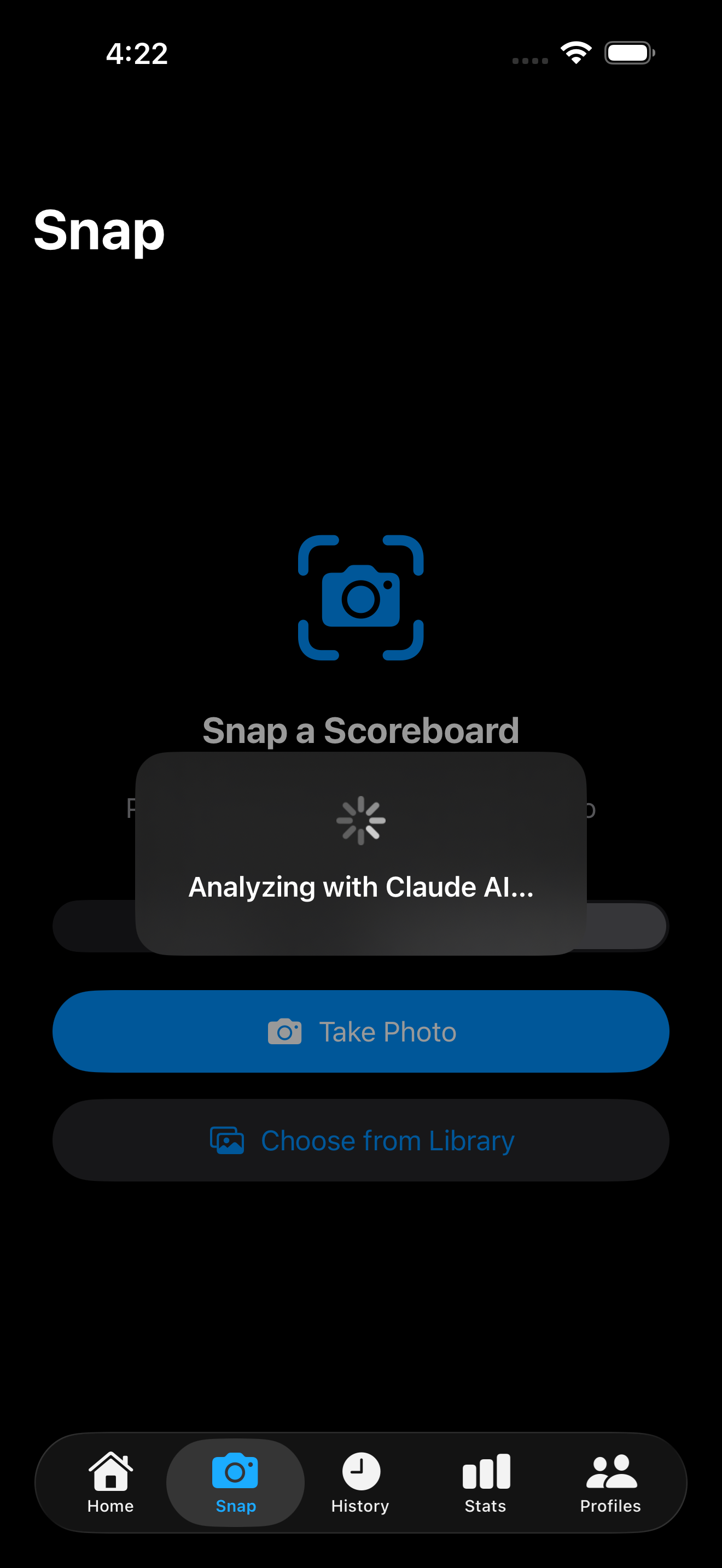
The headline feature. Photograph the lane scoreboard and SnapStrike extracts all
players' frame-by-frame scores. Standard mode uses a 27-pass on-device Vision pipeline
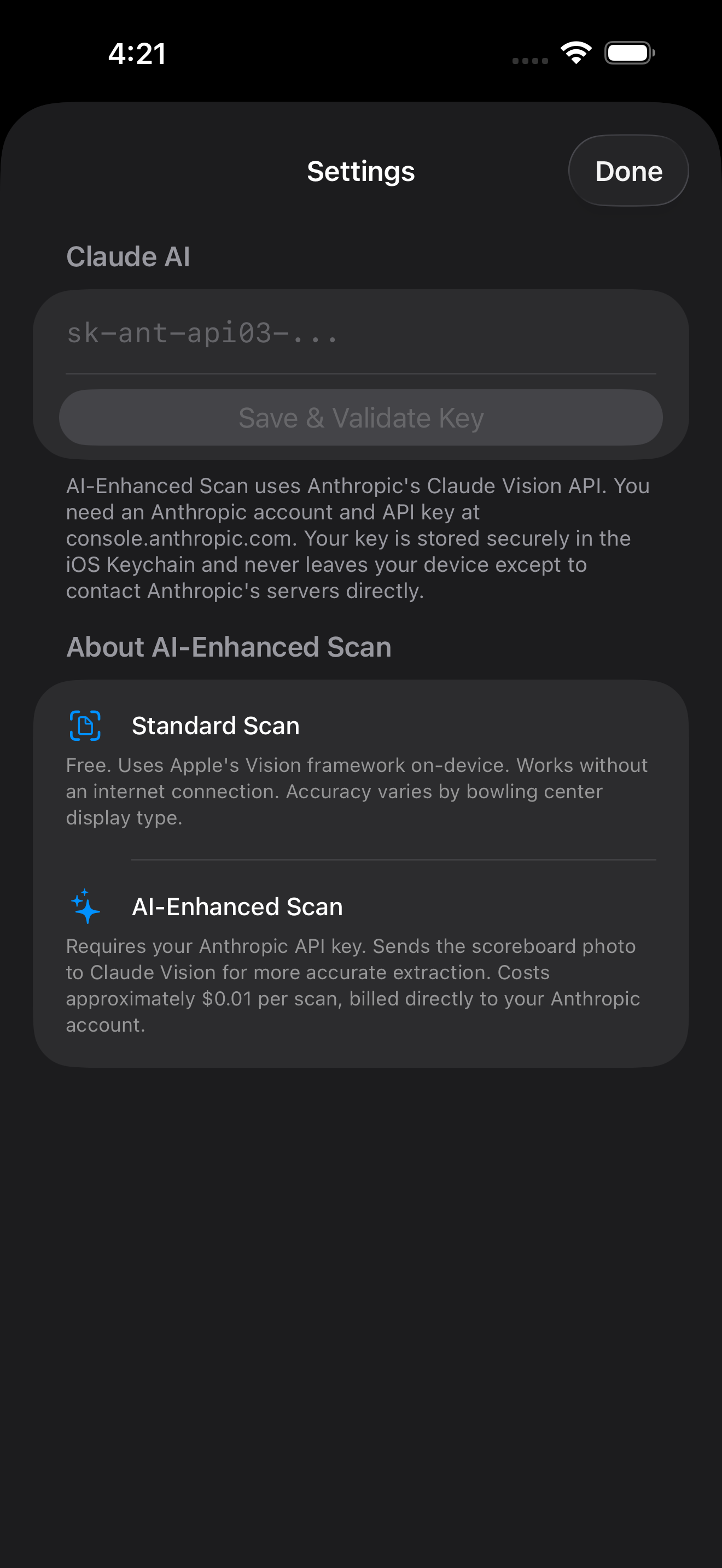
(free, offline). AI Enhanced mode uses Claude Vision for near-perfect accuracy on
split frames, dark displays, and unusual layouts — bring your own Anthropic API key,
~$0.01/scan.
🖐
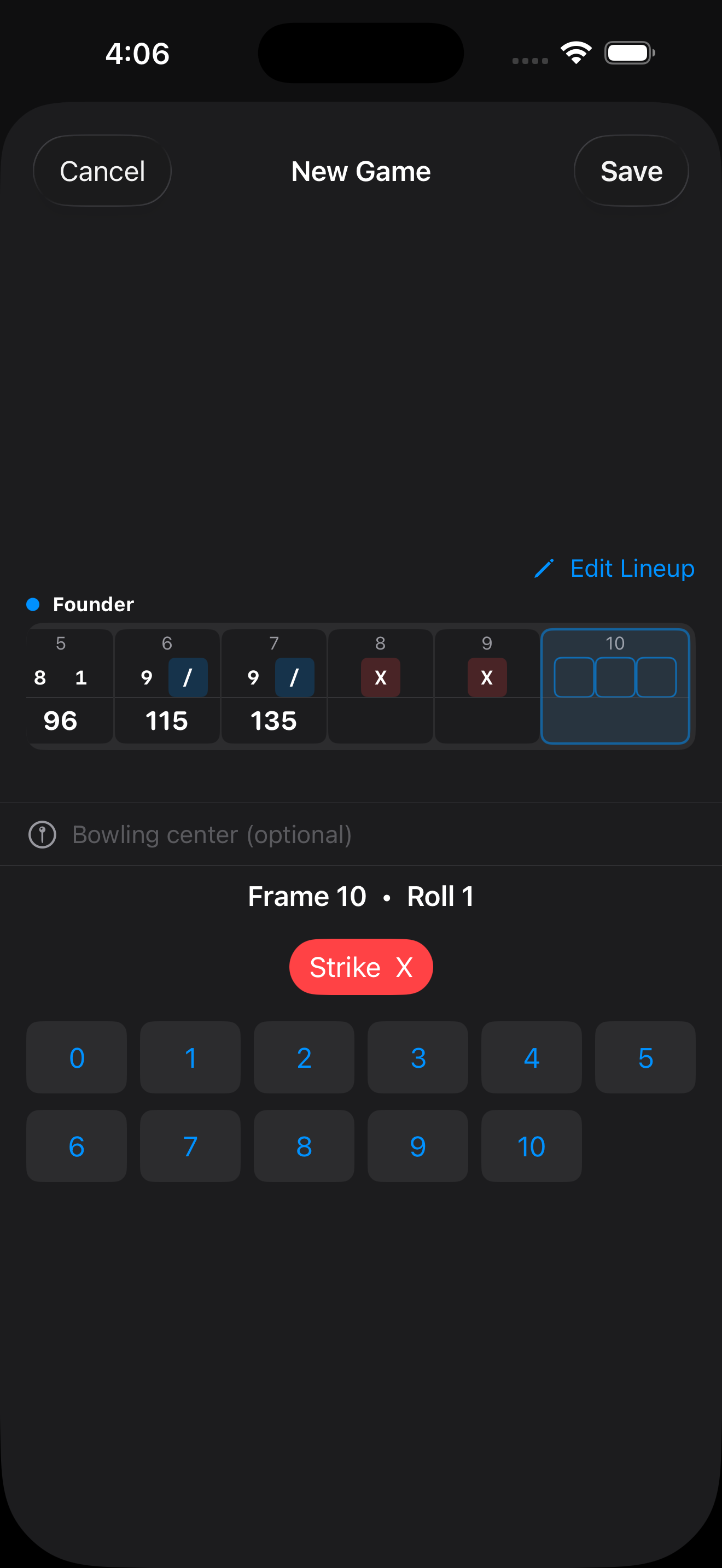
Manual Entry with Pin Pad
Enter scores yourself using a guided pin pad. Buttons disable automatically when
a roll would be impossible, so you can't accidentally enter a bad frame. Edit
any filled frame by tapping it. Add or remove bowlers mid-game.
📈
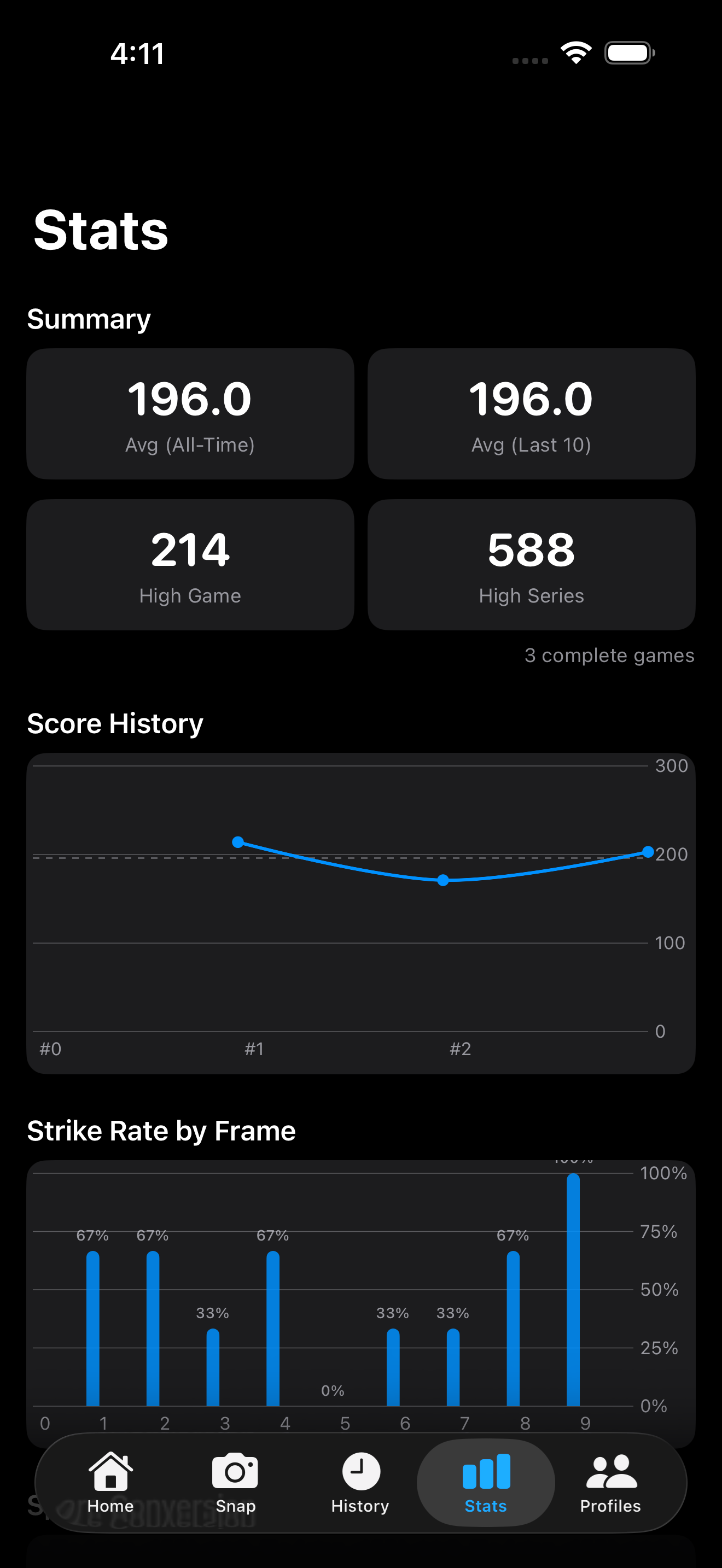
Stats — Per-Player Analytics
All-time average, last-10-game average, high game, and high series. Score
history chart, strike rate by frame, and spare conversion percentage.
Filter stats by bowling alley, ball used, oil pattern type, or pinsetter type.
By Alley and By Ball breakdown tables. Export all games as CSV.
📚
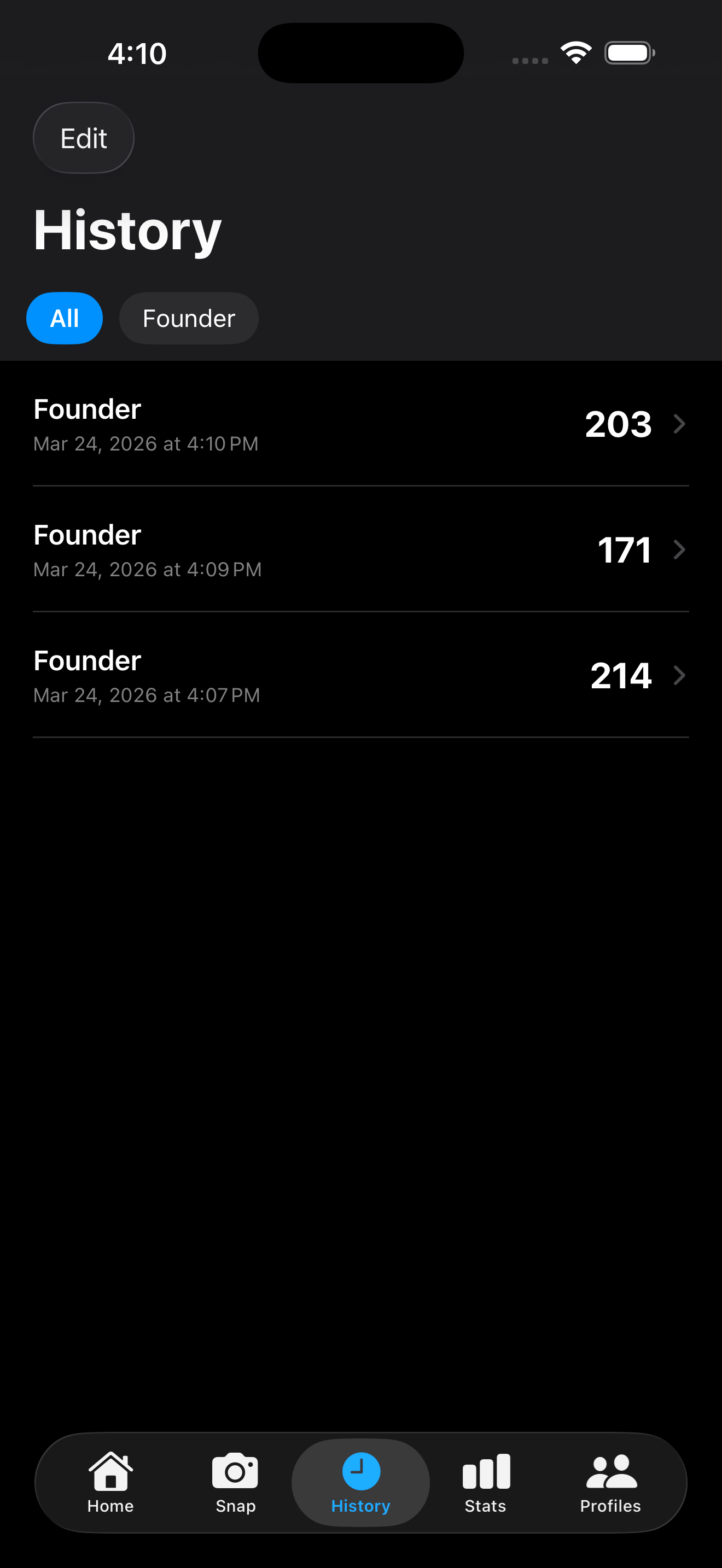
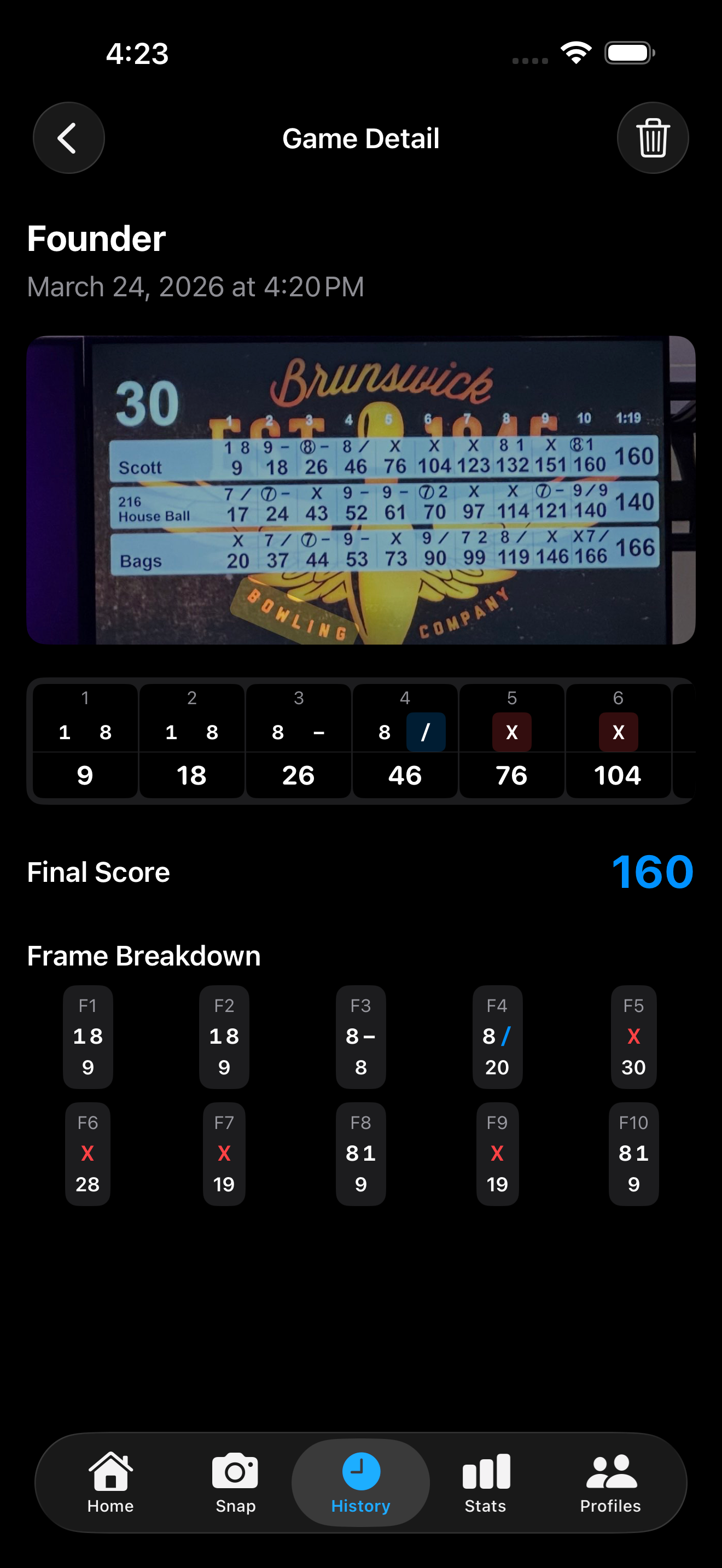
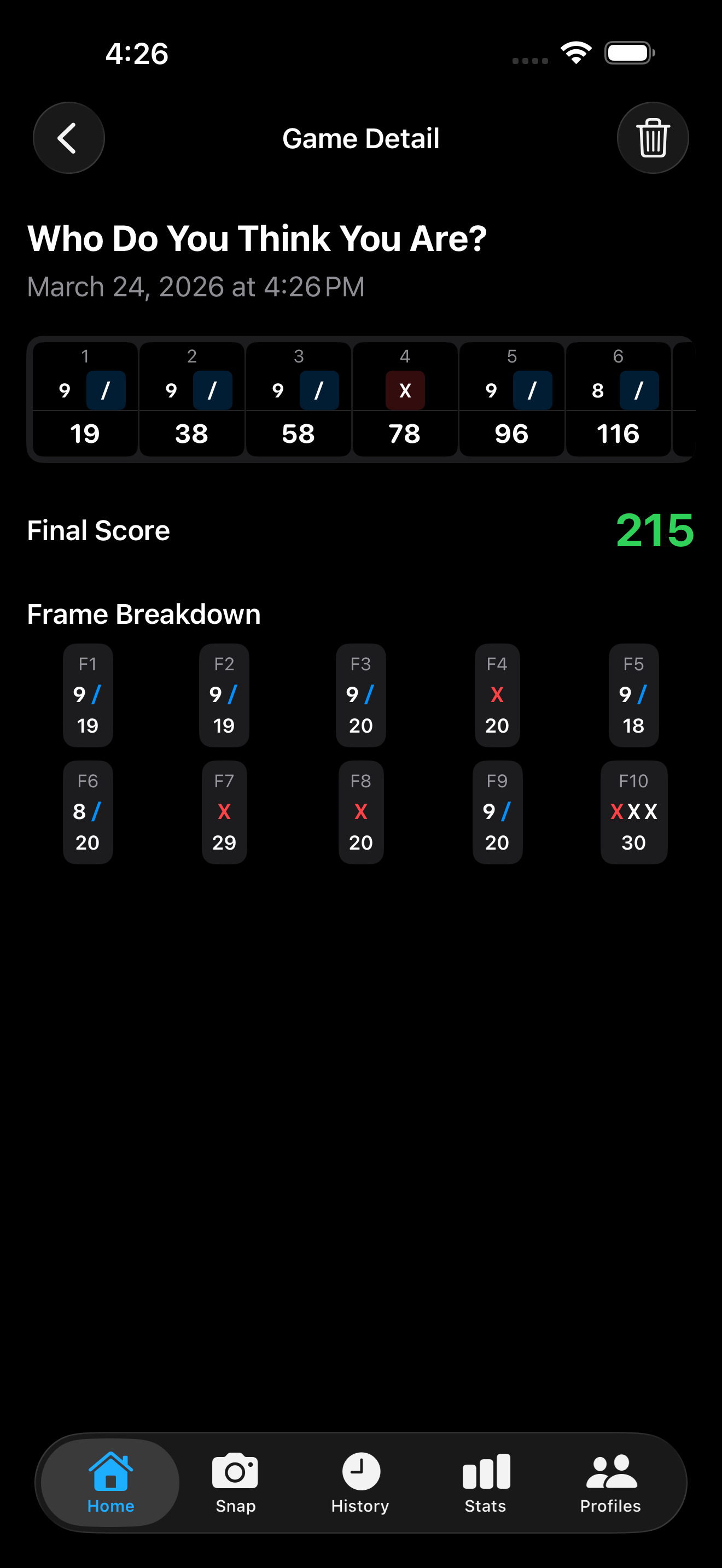
History — Full Game Archive
Every game is saved with date, bowling alley, ball used, lane condition, oil pattern,
notes, full frame-by-frame scorecard, and (for Snap games) the original scoreboard photo.
Edit any detail later. Filter by player. Strikes highlighted red; spares blue.
👤
Profiles — Multi-Bowler Support
Create profiles for each bowler. Add aliases — alternate scoreboard
names like "M" or "SMB" — so the Snap tab auto-matches players to profiles without
manual selection. Each profile has a ball arsenal to track every ball
in the bag and filter stats by equipment.
🎳
Context — Track Every Variable
Tag any game with the bowling alley (with lane type and pinsetter type), ball used,
oil pattern (House or Sport/Challenge, plus named pattern), and lane condition
(Fresh, Transition, or Burn). A global alley directory keeps your venues organized.
All tags feed directly into Stats filters and breakdown tables.
🔒
Privacy First — No Account Required
No account, no subscription. Standard Scan runs 100% on-device via Apple Vision —
your photos never leave your device. AI Enhanced mode optionally sends your scoreboard
photo directly from your device to Anthropic's API using your own key — it never
passes through any SnapStrike backend. No analytics, no tracking.